Get one organized page from a talk, photos and typed notes
Snap a whiteboard mid-conversation, and the photo lands on the same page as the transcript.
Published . Steps as of November 2026.
How do I combine meeting audio, photos and notes in one place?
If you've got Microsoft 365 Copilot, start a capture in OneNote on your phone and do all three in one session. As of November 2026, it's on iPhone, iPad and Android, saved to a Copilot Notebook you choose. It fits in-person conversations and whiteboard sessions, where the photos matter as much as what was said. For personal notes, it works the same way. Get everyone's OK before you transcribe.
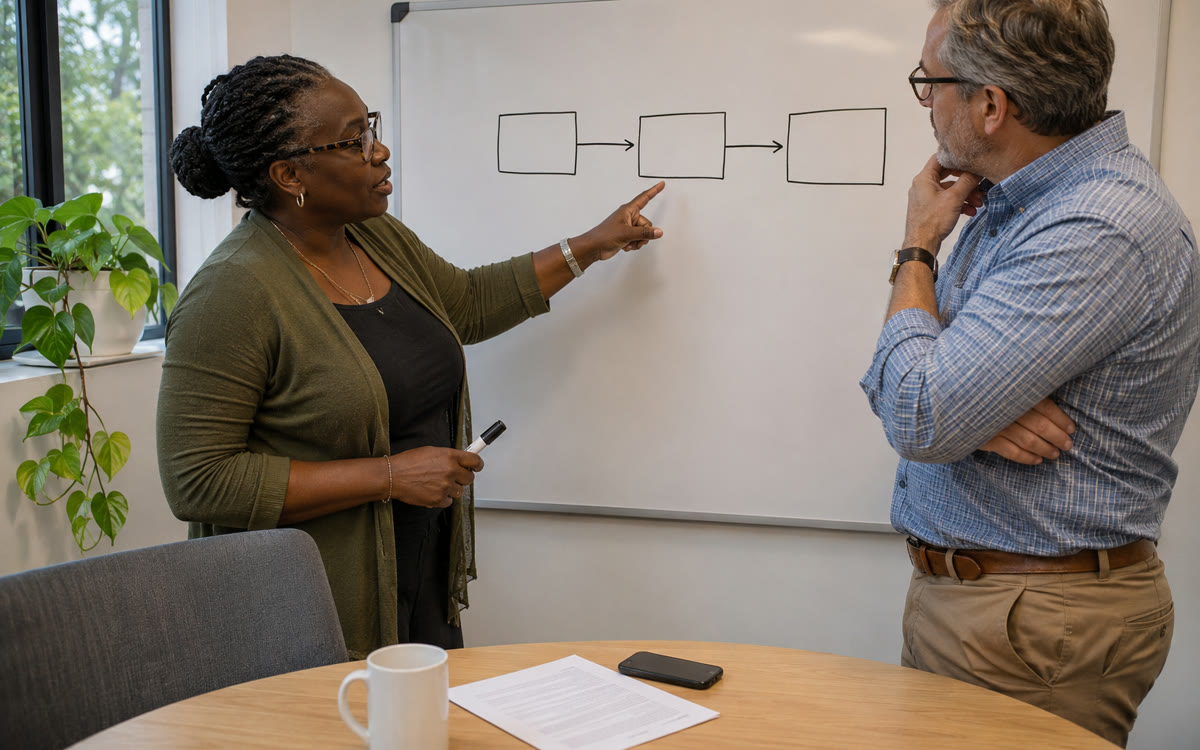
A picture made with AI to show the idea.
Your prompt
Fill in your details. Skip any you like.
This AI can't be filled in from a link, so the button copies your prompt: paste it into the new chat.
The prompt that gets copied
This page came from a capture of my session with [WHO YOU MET, e.g. a new client's leadership team]. The goal of the session was [SESSION GOAL, e.g. agreeing on the next 90 days].

Using only the transcript, photos and notes on this page, give me:
1. A five-line summary I could send to someone who wasn't there.
2. Every decision we made.
3. Every action item, with who said they'd do it and by when.
4. Anything written in the photos that didn't come up in the conversation.
5. Questions we left open.

If a name, date or number isn't clear, flag it instead of guessing. Then draft a short, warm follow-up email I can edit and send.
Start a Capture in OneNote on your phone, then transcribe the conversation, snap photos and type notes. Copilot turns it all into one page with key insights.
Step by step
- Open OneNote on your phone and go to Copilot Notebooks
- Get everyone's OK, then tap Capture on the notebook list page
- Talk, take photos and type notes as you go
- Tap End and choose the notebook to save it in
- Paste the prompt below into Copilot on that page
What you'll get
A saved page with the transcript, photos, notes and insights, plus a summary, action items and a follow-up email to edit.
Needs Microsoft 365 Copilot and a Copilot Notebook in OneNote. For iPhone, iPad and Android. Get consent before you transcribe.
- Made for
- Coaches, Consultants, Small business owners
- Works in
- Copilot