Book a handyman from one Google search
One search can show a handyman's rating and two open appointment times, ready to book.
Published . Steps as of November 2026.
How do I book a handyman through Google's AI Mode?
Describe the job in AI Mode and pick from the local pros it shows. As of November 2026, some listings show open appointment times, which fit a small job you want done soon. Others link to a quote request, which fits a job you'd like priced first. You finish on the partner's page. It's US only, and Google hasn't said how it chooses which businesses appear.
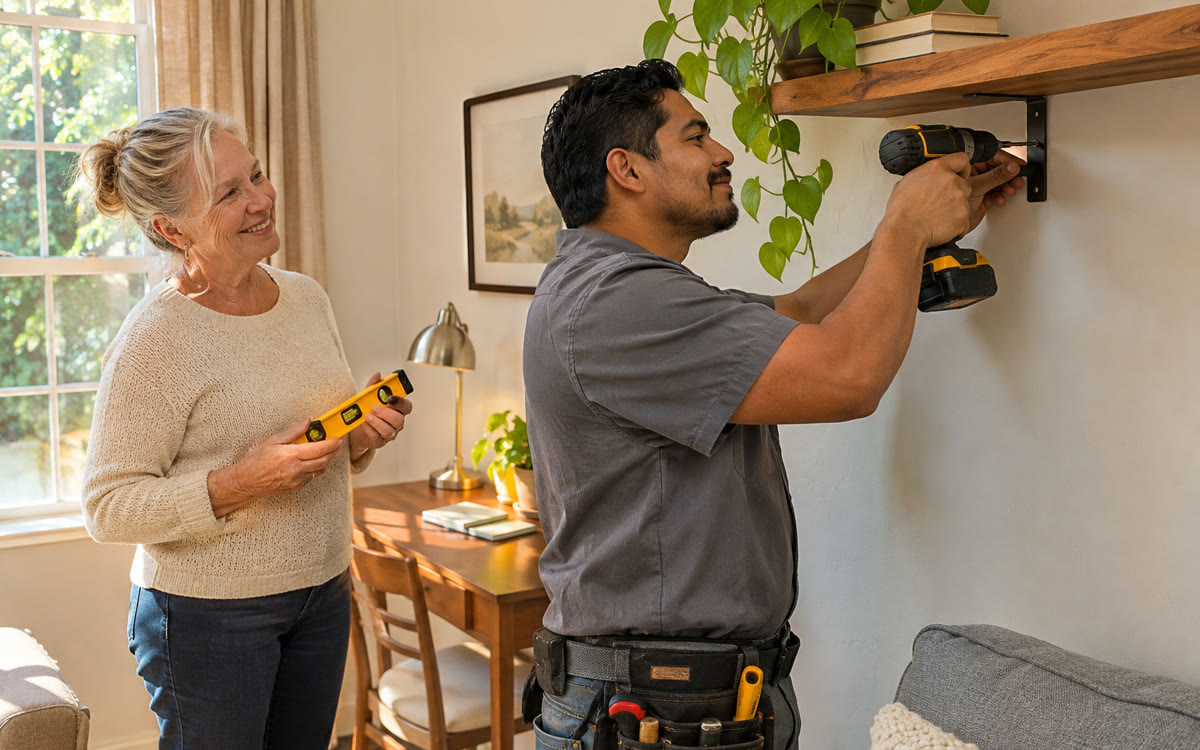
A picture made with AI to show the idea.
Your prompt
Fill in your details. Skip any you like.
ChatGPT and Claude open with your prompt already typed in. Gemini can't be filled in from a link, so its button copies your prompt: paste it into the new chat.
The prompt that gets copied
I need a [TYPE OF PRO, e.g. handyman] near [YOUR ZIP CODE, e.g. 12345] to [THE JOB, e.g. build a desk and two shelves]. I'd like it done by [WHEN YOU NEED IT, e.g. tomorrow afternoon].

Show local services with online availability first, then any others that can give me a quote. For each one, give me the rating, a one-line reason it fits, and the soonest open time if it's shown. Then tell me what I should ask before I book.
Describe the job in Google's AI Mode. You get local pros with ratings, and some show open appointment times or a link to request a quote.
Step by step
- Open Google Search and click AI Mode
- Paste the prompt below with your job, zip code and timing
- Compare the ratings and open times, then ask a follow-up if you need one
- Click the booking or quote link on the pro you pick and finish on that page
What you'll get
A short list of local pros with ratings, plus links that take you to book a time or request a quote.
US only as of November 2026. Links go to partners such as Angi and Jobber, where you finish the request.
- Made for
- Everyone
- Works in
- Google Search